

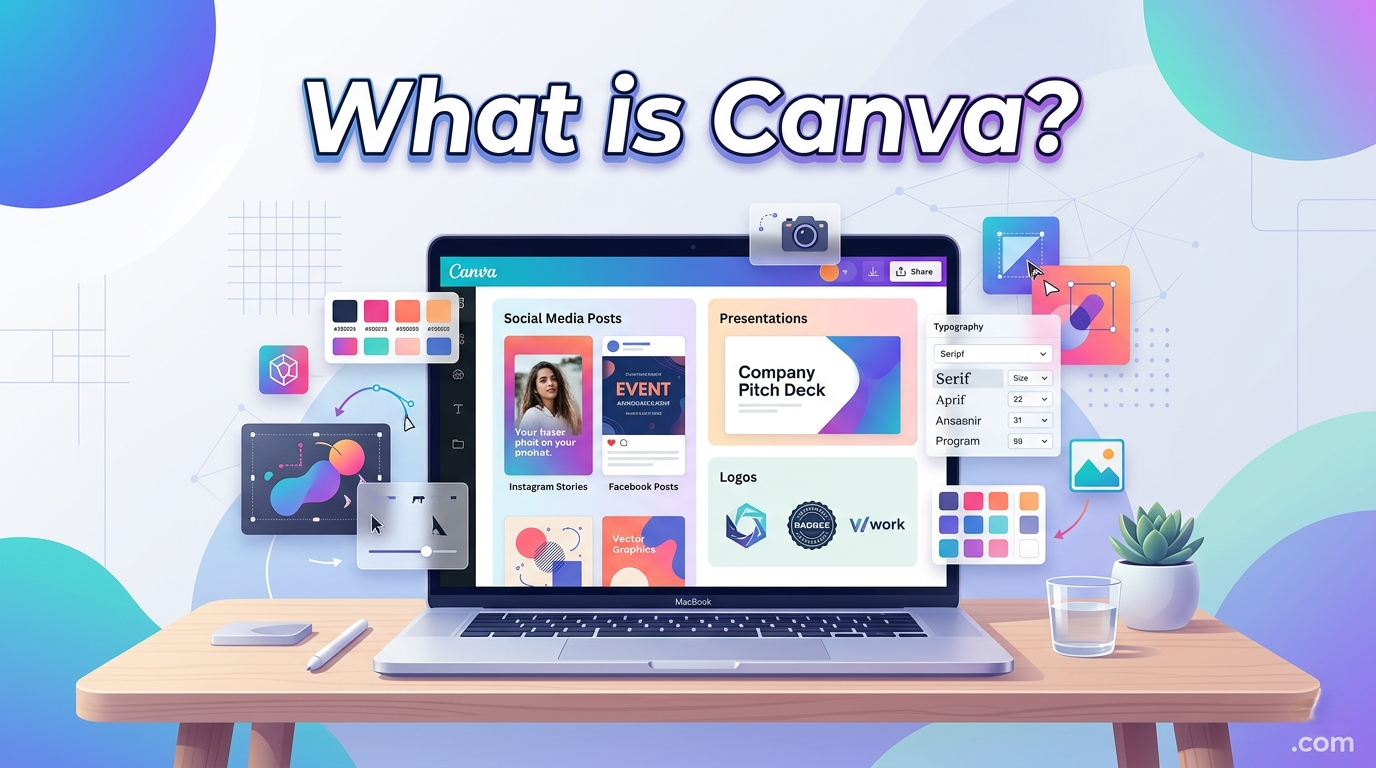
What is Canva is a widely used online graphic design platform that allows users to create professional-looking visuals without needing advanced design skills. It is used for everything from social media posts and presentations to business branding materials, posters, videos, and documents. The main idea behind Canva is to make design simple, fast, and accessible for everyone, even people with no background in graphic design.
In today’s digital world, visual content is essential for communication, marketing, and education. Canva has become one of the most popular tools because it removes the complexity of traditional design software. Instead of requiring technical expertise, it offers a drag-and-drop interface, ready-made templates, and AI-powered features that help users create high-quality designs in minutes.
What Is Canva and How It Works
Canva is a cloud-based design platform that works directly in a web browser or mobile app, meaning users do not need to download heavy software. It provides a digital workspace where users can add text, images, shapes, icons, and other design elements onto a blank canvas or pre-designed template. This makes the design process highly visual and intuitive.
The platform operates on a freemium model, which means it offers both free and paid features. The free version includes thousands of templates and basic tools, while Canva Pro unlocks advanced features such as premium templates, brand kits, background removal tools, and expanded storage. This structure allows both casual users and professionals to benefit from the platform depending on their needs.
History and Development of Canva
Canva was launched in 2013 in Australia by Melanie Perkins, Cliff Obrecht, and Cameron Adams. The idea was born from the difficulty many people faced when trying to use complex design software. The founders wanted to simplify graphic design and make it available to everyone, not just professionals.
Since its launch, Canva has grown into a global platform with millions of users across different industries. It has expanded from a simple design tool into a complete creative suite that includes video editing, document creation, presentation design, and team collaboration features. This evolution has helped Canva become a major player in the digital design industry.
Core Features of Canva
One of Canva’s strongest features is its drag-and-drop editor, which allows users to easily move elements around the design canvas. This removes the need for technical knowledge and makes design creation feel natural and simple. Users can customize layouts, adjust colors, and edit text with just a few clicks.
Another key feature is Canva’s extensive media library, which includes stock photos, illustrations, icons, videos, and audio files. These resources help users create professional designs without needing to source external content. Canva also supports multiple export formats such as PNG, JPG, PDF, and MP4, making it suitable for both digital and print use.
Canva Templates and Design Tools
Canva is especially known for its large collection of ready-made templates. These templates are designed for different purposes such as Instagram posts, business cards, resumes, flyers, presentations, and marketing materials. Users can simply select a template and customize it according to their needs.
In addition to templates, Canva provides editing tools such as font customization, color palettes, alignment guides, and image filters. These tools help users maintain visual consistency and create polished designs. The combination of templates and editing features makes Canva a powerful tool for both beginners and professionals.
Canva Pro and Advanced Features
While Canva’s free version is powerful, Canva Pro offers additional features designed for professional users and businesses. One of the most important features is the Brand Kit, which allows users to store brand colors, logos, and fonts for consistent design across all projects.
Canva Pro also includes advanced tools like background remover, magic resize, and access to premium stock content. These features save time and improve workflow efficiency, especially for marketers, designers, and content creators who produce large volumes of visual content.
Team collaboration is another important feature in Canva Pro. Multiple users can work on the same project in real time, leave comments, and share feedback. This makes it ideal for remote teams and organizations managing digital branding and marketing campaigns.
AI Integration and Modern Development in Canva
In recent years, Canva has integrated artificial intelligence into its platform to enhance user experience. AI-powered tools can generate design suggestions, automate layouts, and even create images and text content based on prompts. This has made the design process even faster and more efficient.
Canva’s AI features are part of a larger trend in the tech industry where creative tools are becoming more automated and intelligent. These updates allow users to complete complex design tasks with minimal effort, making Canva more accessible to non-designers while still powerful enough for professionals.
Uses of Canva in Education, Business, and Daily Life
Canva is widely used in education for creating presentations, assignments, posters, and learning materials. Teachers and students use it to make visual content that improves understanding and engagement. Its simplicity makes it especially popular in classrooms and online learning environments.
In business, Canva is used for branding, marketing, advertising, and internal communication. Companies use it to design social media posts, business presentations, promotional materials, and reports. Its ability to maintain brand consistency makes it a valuable tool for digital marketing teams.
On a personal level, Canva is used for invitations, resumes, social media content, and creative projects. Its versatility allows users to handle both professional and personal design needs in one platform, making it a daily-use tool for millions of people worldwide.
Advantages and Limitations of Canva
One of the biggest advantages of Canva is its simplicity. It eliminates the need for advanced design skills and allows anyone to create high-quality visuals quickly. Its cloud-based system also means users can access their projects from any device with an internet connection.
Another advantage is its affordability. The free version offers a wide range of tools, while the paid version provides advanced features at a relatively low cost compared to professional design software. This makes Canva accessible to individuals, students, and small businesses.
However, Canva also has some limitations. It may not offer the same level of precision and advanced editing features as professional tools like Photoshop or Illustrator. Highly complex design work may still require specialized software. Despite this, Canva remains highly effective for most everyday design needs.
Conclusion: Why Canva Is So Popular
Canva has become one of the most popular design platforms in the world because it simplifies creativity and makes design accessible to everyone. Its combination of templates, drag-and-drop tools, and AI-powered features allows users to create professional visuals without technical barriers.
As digital communication continues to grow, Canva plays an increasingly important role in education, business, and personal expression. Its continuous updates and expanding features ensure that it remains a leading tool in the future of online design.
READ MORE: VELORATIMES
